Reraidoor

Content for your site — made with AI, on your own computer

Reraidoor collects articles from sources, translates and rewrites them, prepares titles, descriptions and pictures, and publishes to WordPress, Yii or any site with a REST interface. Everything is stored on your machine, and models can run locally.

For Windows 10 and 11. The demo is free and has no time limit.

ReraidoorReraidoor

What the program does

Collects material

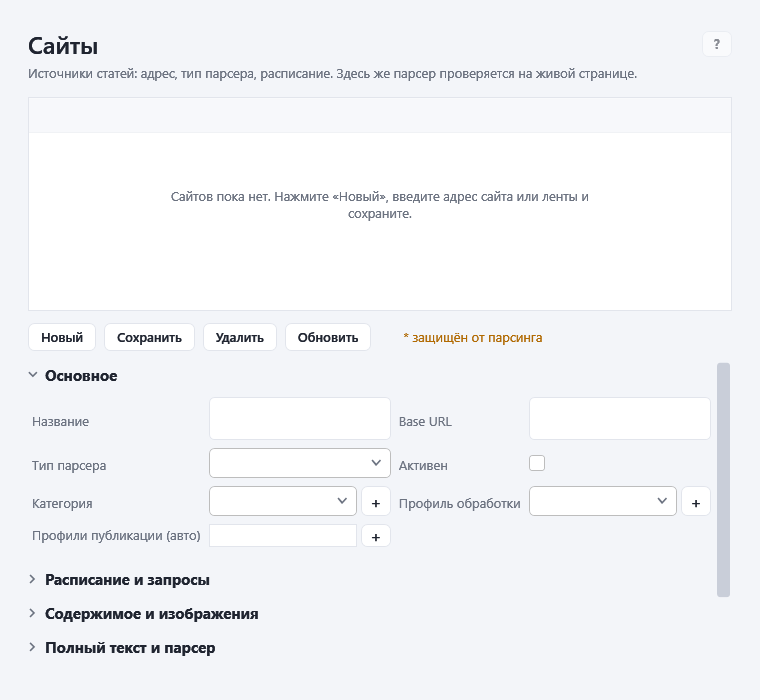
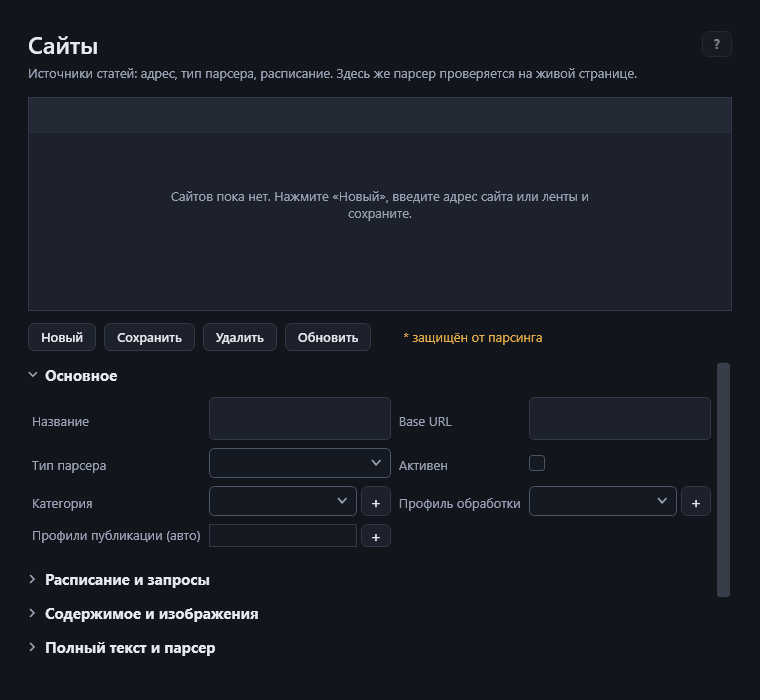
RSS, sitemaps, ordinary pages by CSS selectors, pages built by JavaScript, and smart text extraction. YouTube import: paste a video link, the subtitles are taken and turned into an article. Duplicates are filtered out before AI is called.

Translates and rewrites

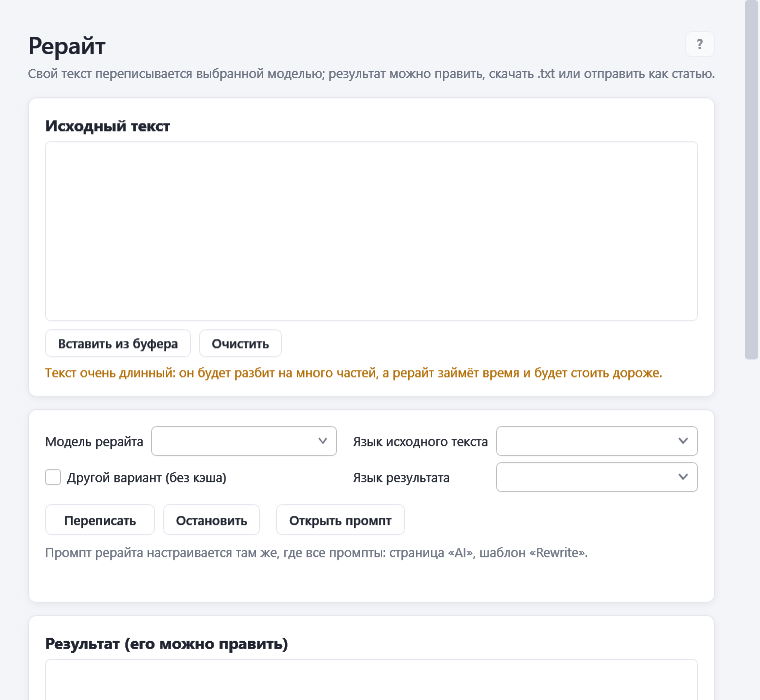
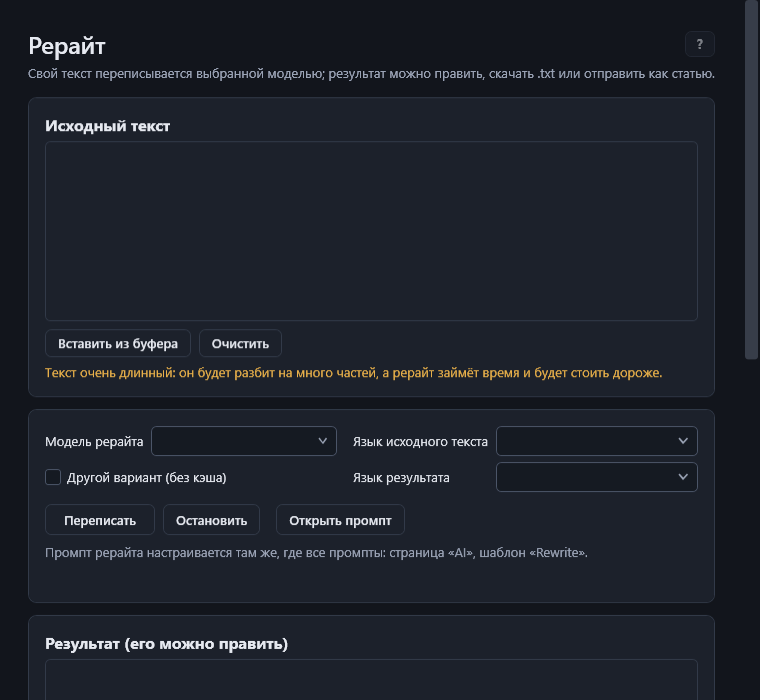
Translation into the languages you choose, rewriting, an editor, a paragraph-by-paragraph quality check, a glossary of terms. The original article is never overwritten.

Any AI model

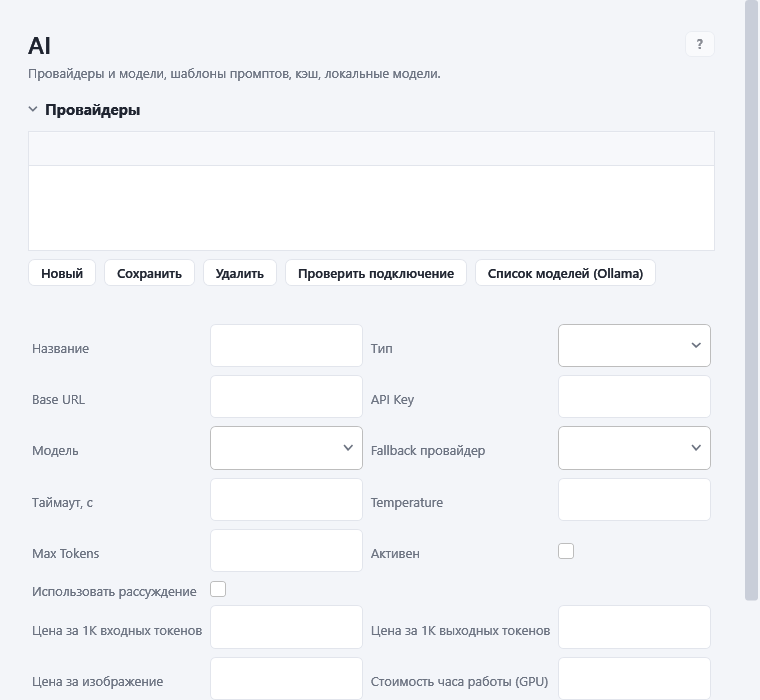
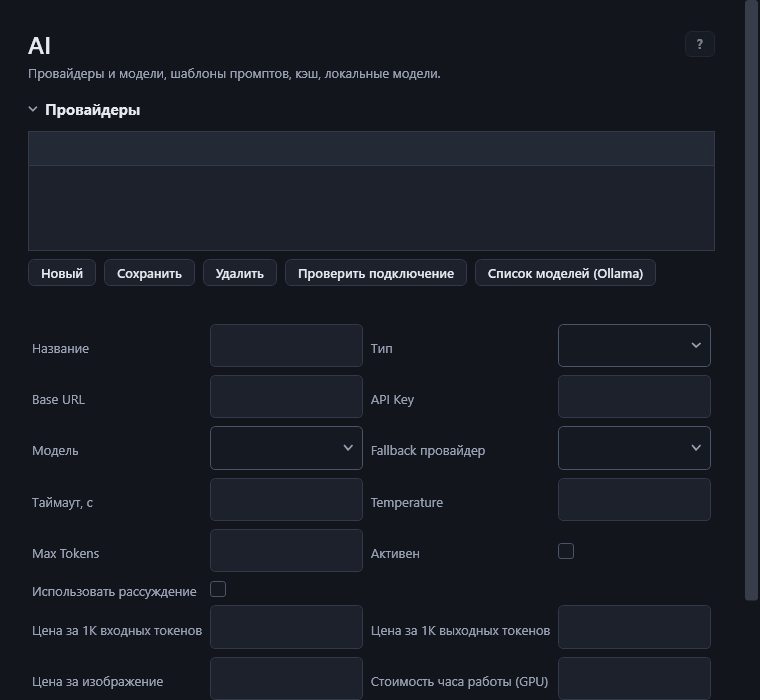
OpenAI, Google, Qwen, DeepSeek, Anthropic, and also Ollama, LM Studio and built-in local models that need no internet. Fallback models in case of a failure.

Pictures

Covers and illustrations made by models on your computer or in the cloud, an image library, a watermark.

Publishes by itself

WordPress, Yii 1.1, any REST target, several language versions, drafts, manual approval before release, social networks and Telegram.

Works unattended

A schedule, a queue, retries after failures, background mode and a Windows service, AI budgets and cost tracking, statistics.


How it works

  1. SourcePoint to a site or a feed.
  2. ProcessingTranslation, rewriting, titles, pictures.
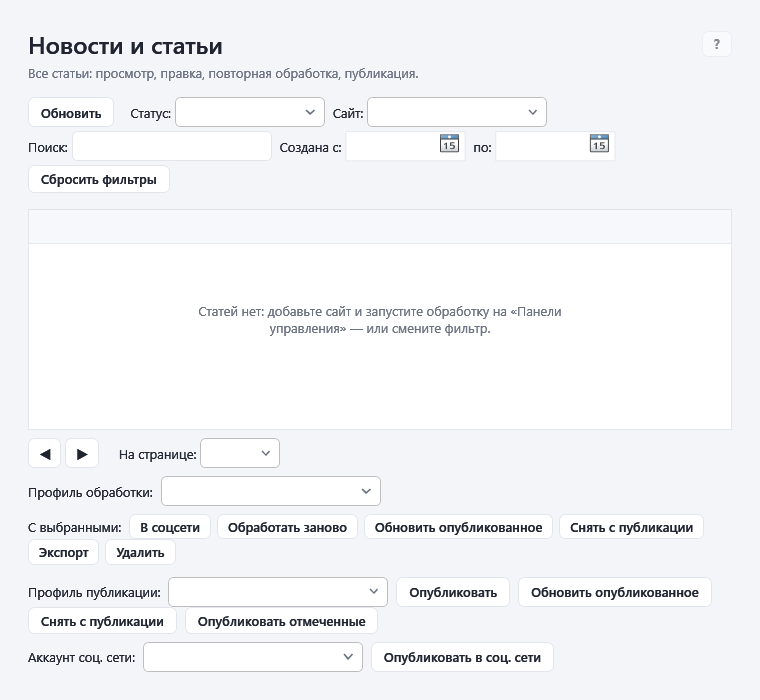
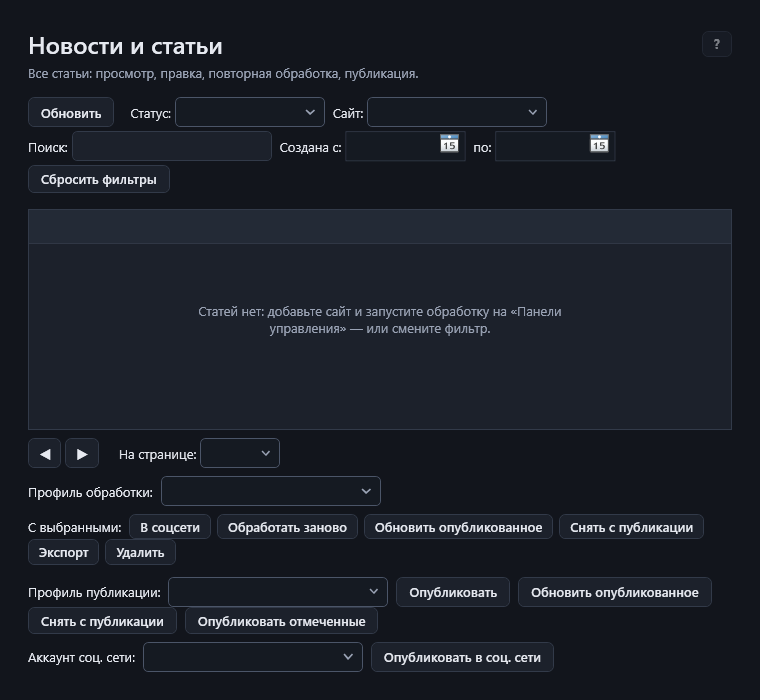
  3. ReviewCompare versions, accept or return the edits.
  4. PublishingTo your site, at once or on a schedule.

Do not want to set things up? The "What to do?" page walks you through a task: translate a page, make a picture, send a text to your site.

Use cases

Examples of how the program is used. These describe features; they are not reviews.

News of a niche in another language

Take the RSS of foreign publications on your topic. The program translates and rewrites the material, you approve it in the "Review" queue, and it goes to your site as drafts.

A blog from videos

Paste YouTube video links: the subtitles become an article that you can edit, give a picture and publish.

Your own notes into finished articles

Paste a draft or load a doc, docx, pdf or txt file. Rewriting, a title, a description, tags and a paragraph-by-paragraph quality check.

A multilingual site

One article, several language versions. Publishing to WordPress (including linking of translations) or to a Yii site.

Working without the cloud

Local models (Ollama, LM Studio, built-in): texts do not leave your computer, no per-token fees.

Content by plan

A list of topics or ideas from AI, articles on a schedule and a daily limit, AI cost tracking and statistics.

How many articles in 10 minutes

This is an estimate, not a promise: reading speed depends on how fast the source site answers and on the pause between requests that you set. The program itself takes the text out of a downloaded page in a few milliseconds (3–6 ms per page, measured on test pages of different sizes on the developer's computer).

Examples

CaseReadProcessed by AI
One site, 1 s pause351—
Three sites, 1 s pause (default)1053—
Five sites, 0.5 s pause2485—
Three sites + a cloud model, 8 s per article1053150
Three sites + a local model, 40 s per article105330

Calculate for your conditions

—Articles read
—Articles processed by AI
—per hour (reading)

How it is counted: one article takes the site's response + 0.006 s to extract the text + your pause; the articles of one site are read in turn, different sites at the same time (3 sites by default, configurable). AI: how many articles the models manage in that time with the given number of simultaneous requests (2 by default). The limit is usually not reading but the model: local processing needs tens of seconds per article, a cloud model a few.

Demo and the full version

FeatureDemoFull
Connecting AI models (cloud and local)✓✓
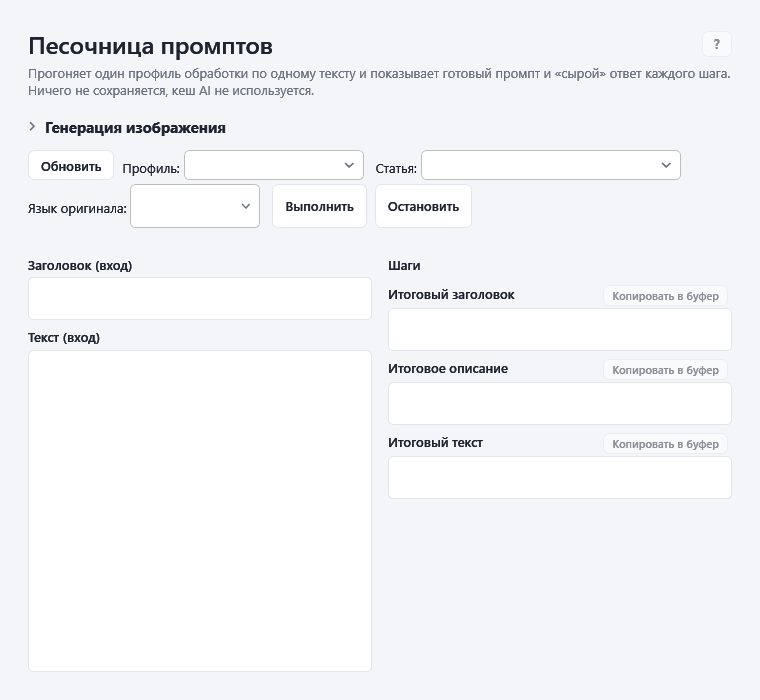
Sandbox: trial prompts and pictures✓✓
Help✓✓
Reading sites, RSS, pages with JavaScript—✓
Translation, rewriting, editor, quality check—✓
Publishing to WordPress, Yii, custom REST—✓
Schedule, background mode, Windows service—✓
Social networks, YouTube import, content plan, statistics—✓
Updates and e-mail support—✓

Download the demo

Pricing

The activation code is tied to one computer. Prices in US dollars.

One year

19,99 $

365 days

  • The full version
  • All updates
  • Support: up to 10 requests a year
20 % off

Three years

47,98 $ 59,97 $

1095 days · 15.99 $ a year

  • The full version
  • All updates
  • Support: up to 10 requests a year

Press "Buy" and leave your e-mail — we will send payment details and issue a code for your computer.

Reviews

Write a review

Questions and answers

Where does my data go?

The program works on your computer. Texts go only to the AI models, sites and targets you connected yourself. There is no telemetry, and the activation code is checked without the internet.

Can I work without cloud services?

Yes. Built-in local models and Ollama / LM Studio work without the internet. The computer must be powerful enough: the "About" page tells whether yours is.

What happens when the code expires?

The working functions close, your data stays untouched. After a new code is entered everything works at once. The program warns 14, 7 and 1 day ahead.

I changed my computer or Windows — what now?

If one component changed, the code keeps working. If both did, send us the new computer identifier and we will issue the code again.

What does support include?

Up to 10 requests a year by e-mail. Program bugs we confirm do not count against the limit. Beyond the limit it is paid, and we tell you the price beforehand.

Does the program bypass sites' protection?

No. If a site is closed to programs, it says so. You can open the page in your own browser and paste it into the program by hand.

Download the demo